> ## Documentation Index
> Fetch the complete documentation index at: https://docs.graphext.com/llms.txt
> Use this file to discover all available pages before exploring further.
# Pin variables
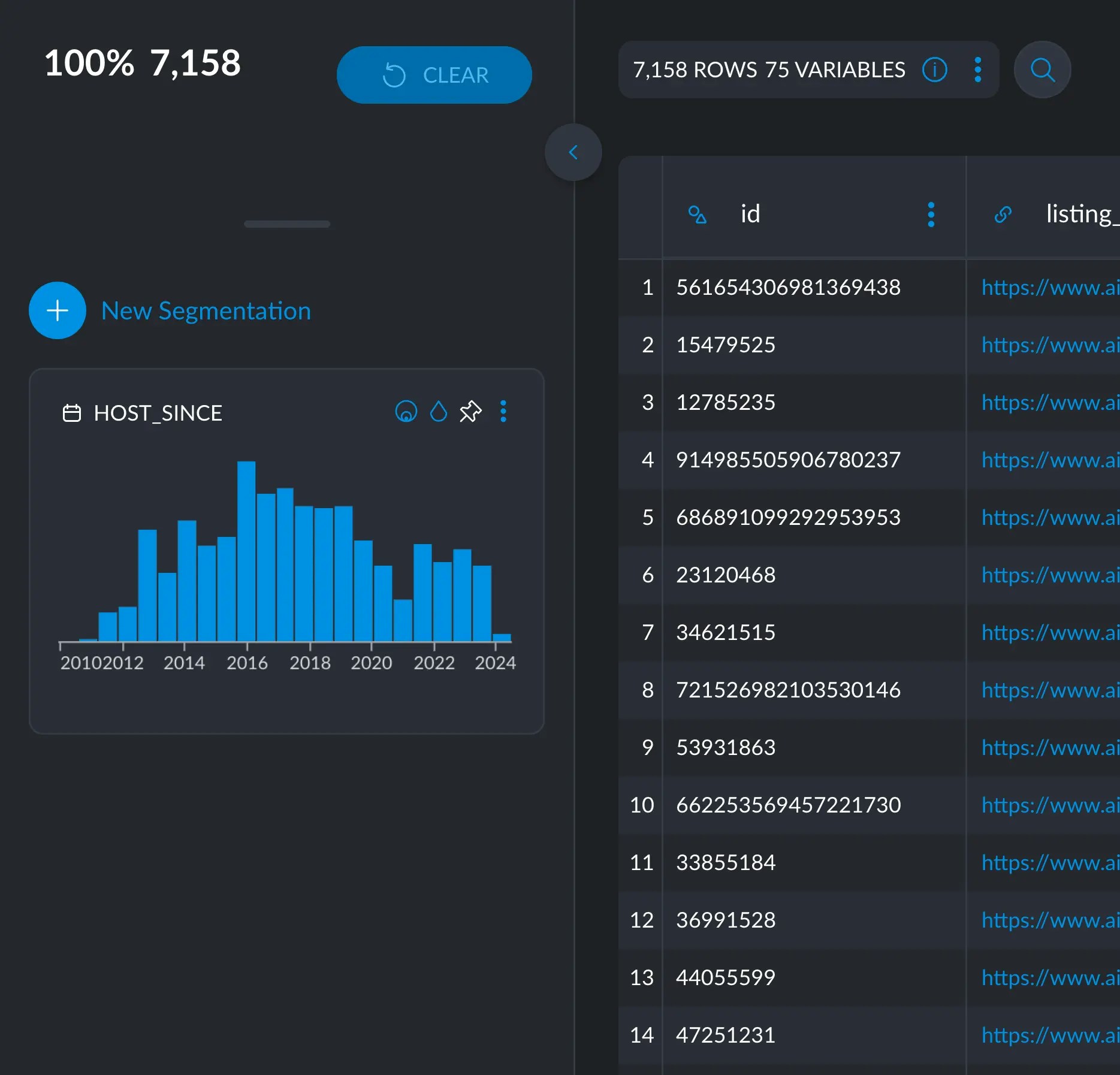
Pinning variables to the left sidebar allows you to keep them always visible to the left,
avoiding having to constantly search for them.
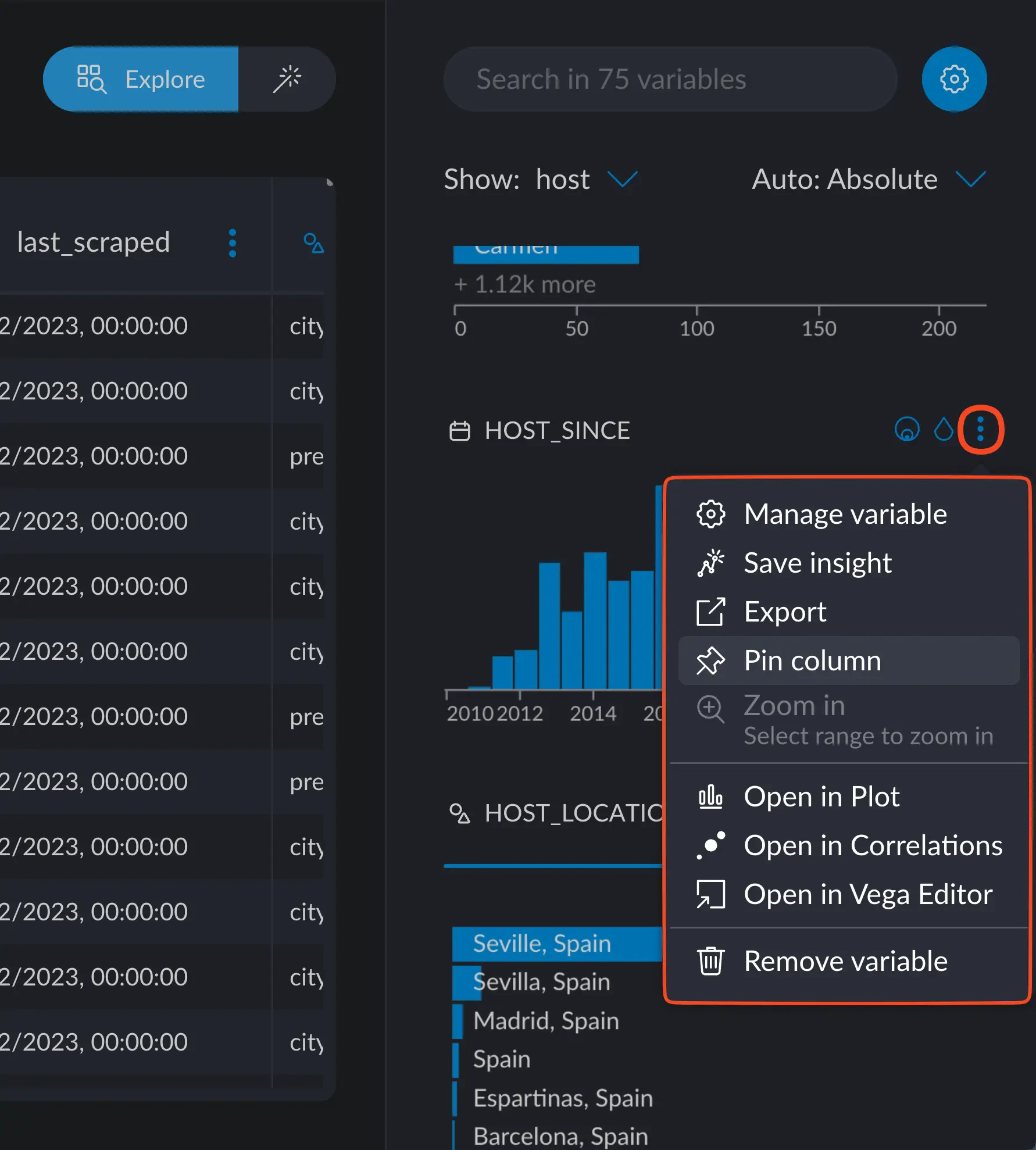
To pin a variable, head to the options button in the upper right on the variable's card and
click Pin Column.
 After that, the column will now appear in the left sidebar, always visible and within reach.