> ## Documentation Index
> Fetch the complete documentation index at: https://docs.graphext.com/llms.txt
> Use this file to discover all available pages before exploring further.
# Tags
> Make sense of your variables
Tags provide a way to group variables based on their meaning. These groups can then
be used across the application for a more convenient experience.
To learn more about how to deal with tags, check out [how to group variables](/documentation/data-preparation/variable-management-ui-config/group-variables).
## Using tags
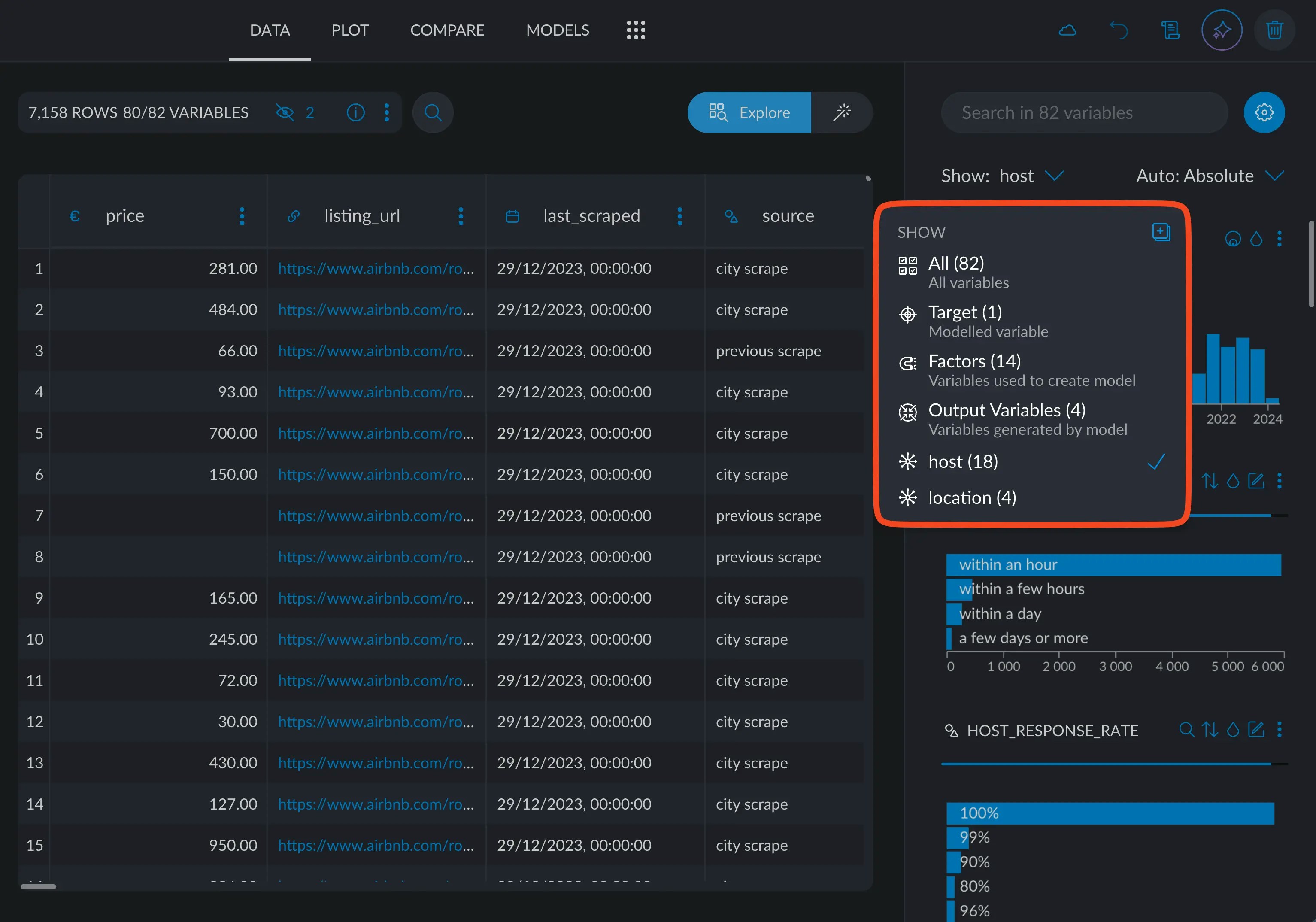
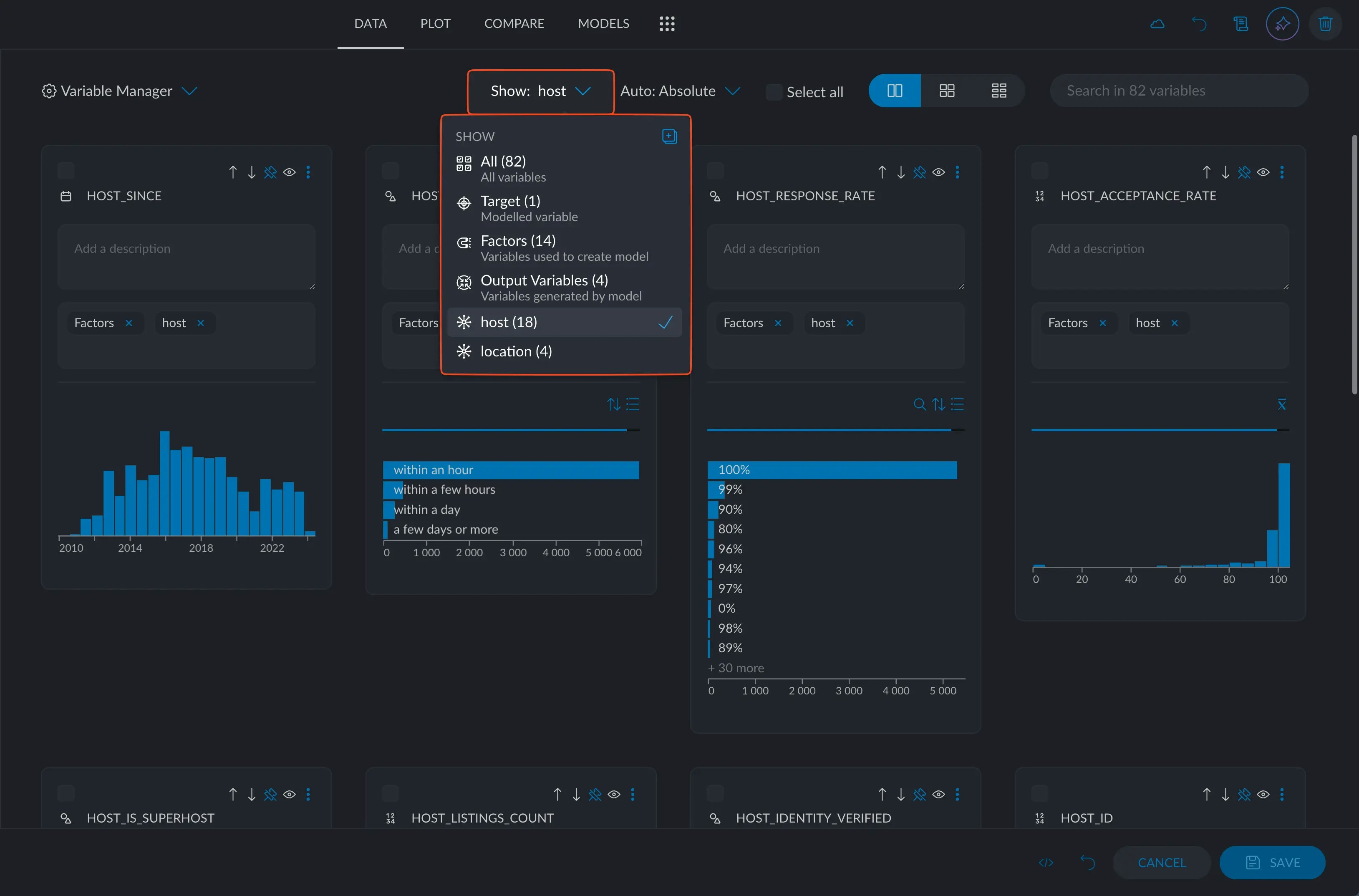
Tags can be thought like a **variable group**. For example, in this Airbnb dataset, we have 82 variables, 18 of which
are exclusively related to the host data, such as their ratings, superhost status,
location, response rate and so on. By tagging all these as '**host**', we can quickly access them
from this dropdown in the variable manager, or the main interface.
We also created another tag, called '**location**', for all variables related to coordinate
and neighbourhood data.